Win web design clients
by showing them the work first
Generate an interactive redesign for any local business from its Google Maps listing or current site. Send a visual proposal they can't ignore.
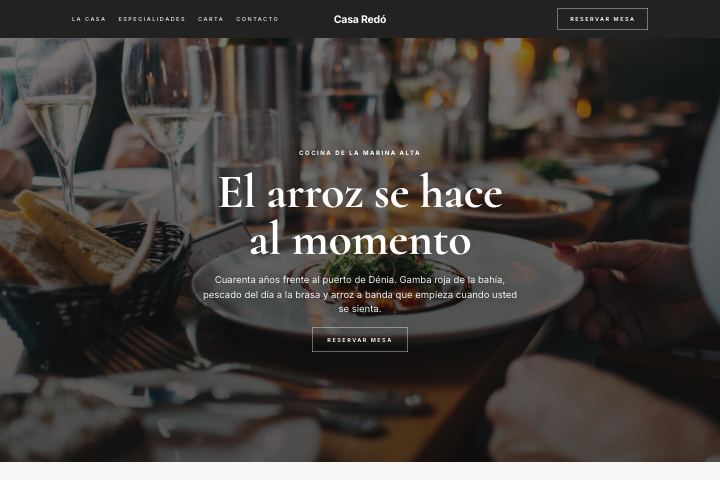
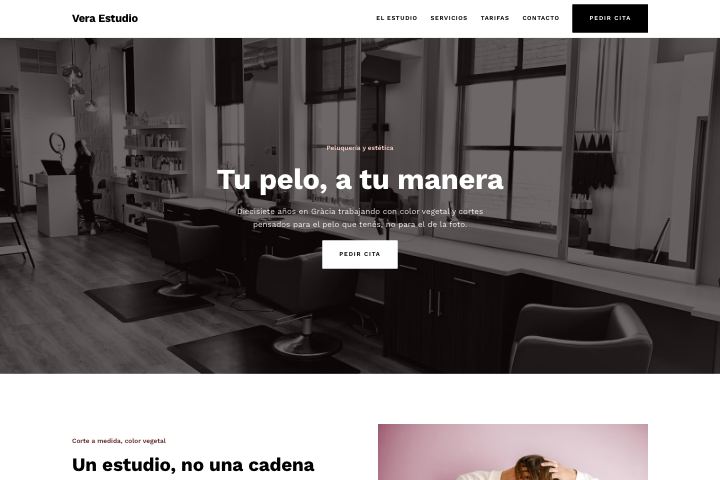
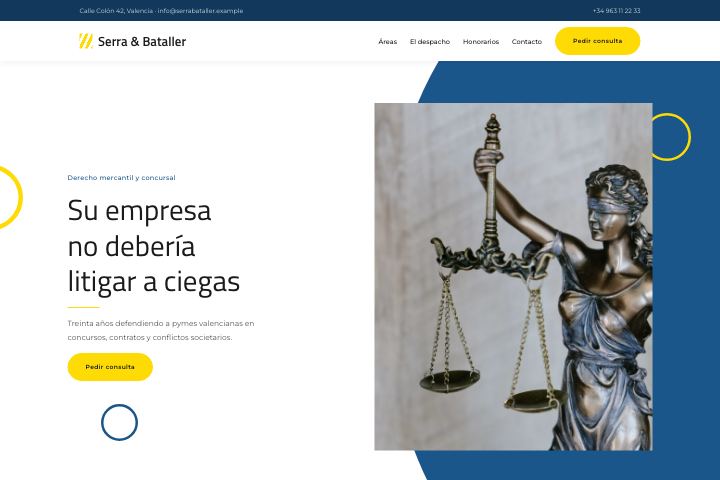
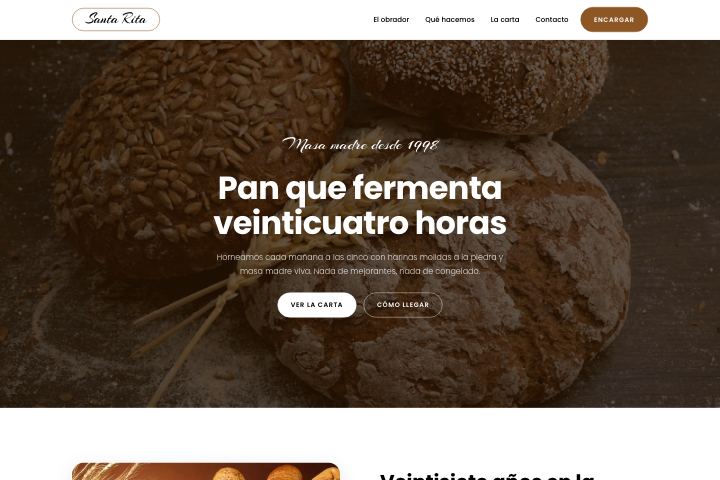
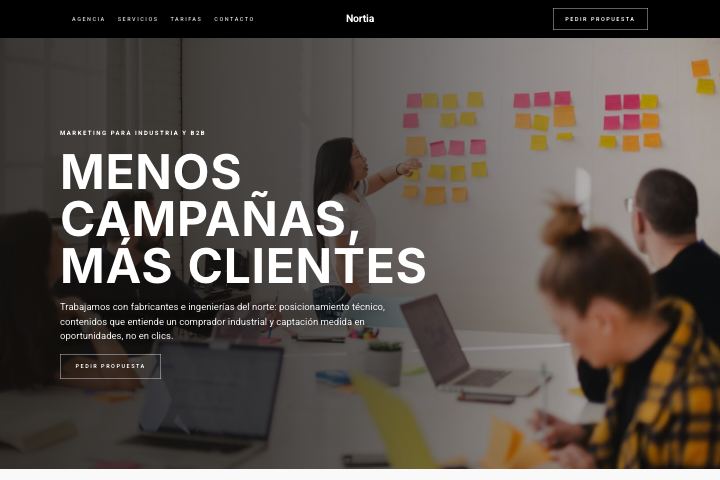
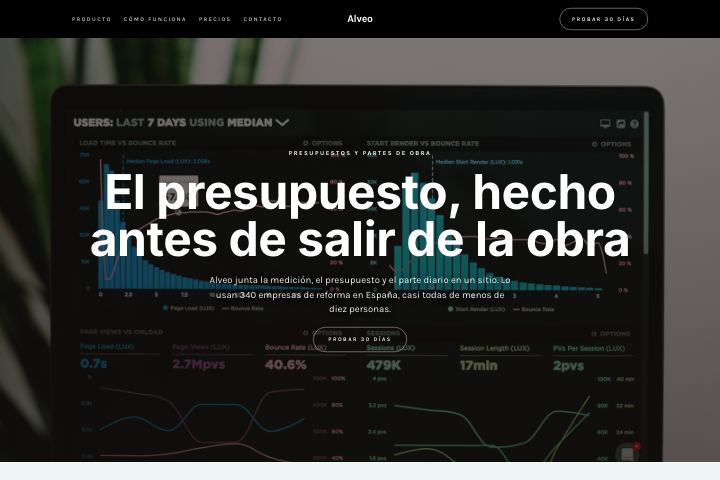
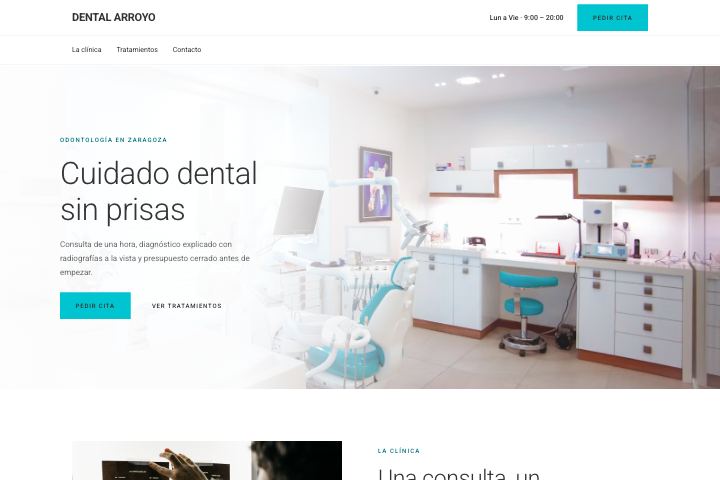
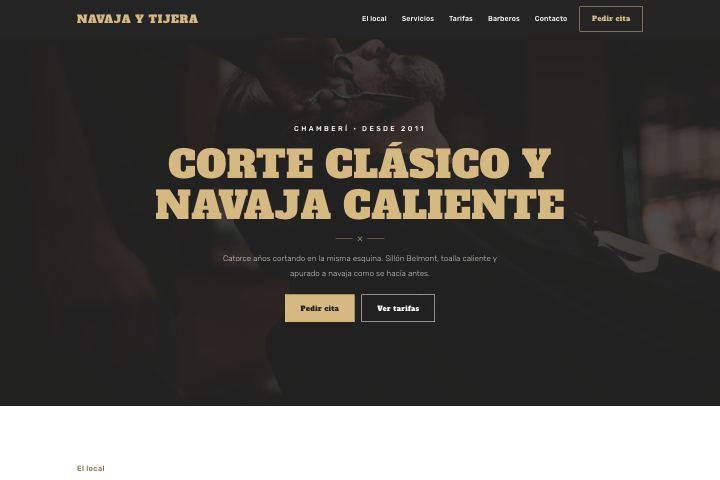
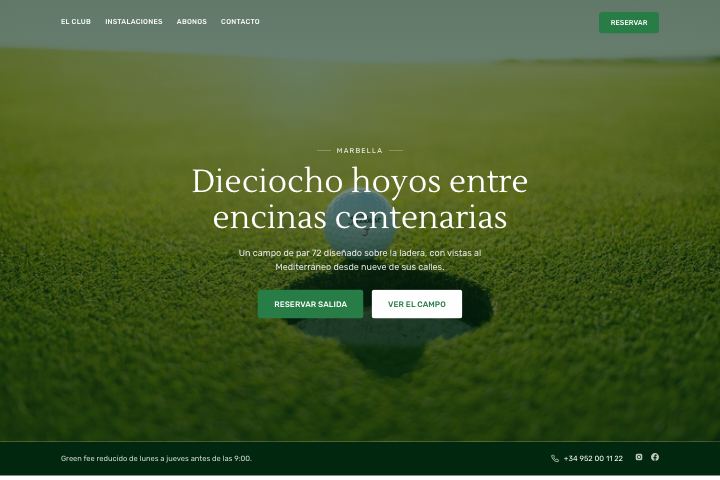
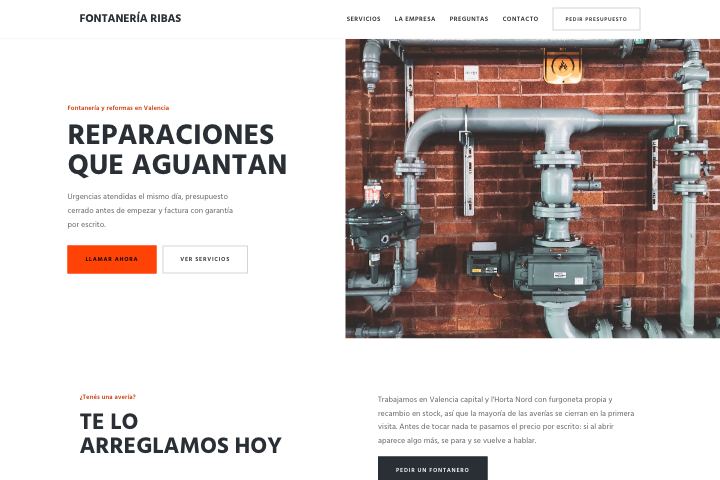
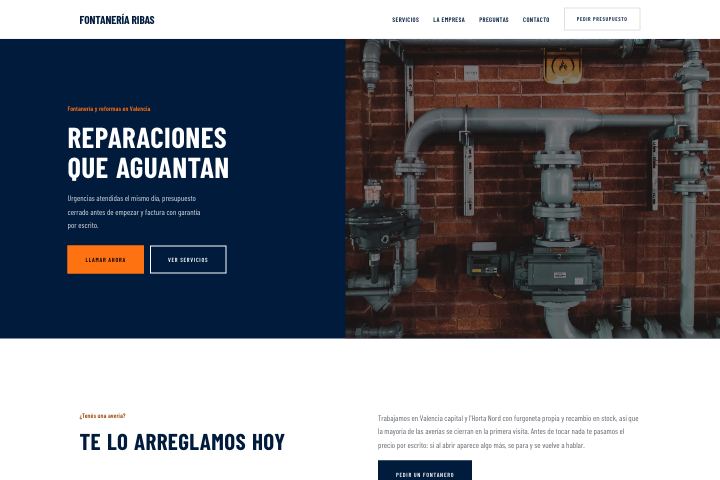

1627
designs ready to pitch
22
sectors covered
60s
to build a website
6
languages
How KOXOTA works
Three steps between finding a business and closing it.
1. Find and analyze
Search for businesses with no website, or paste a link. We read their listing, their photos and their reviews in seconds.
2. Generate the redesign
The AI builds a full, responsive site with their real content, and picks the template that fits their industry.
3. Close the deal
Send the link over WhatsApp with the PDF proposal. You'll know the moment they open it.
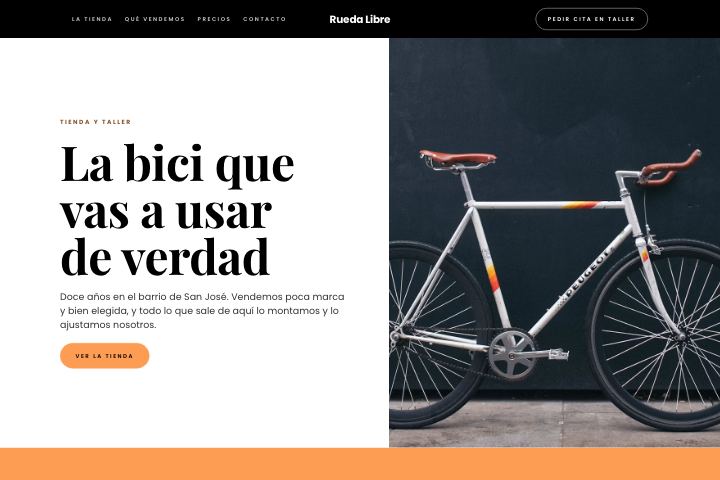
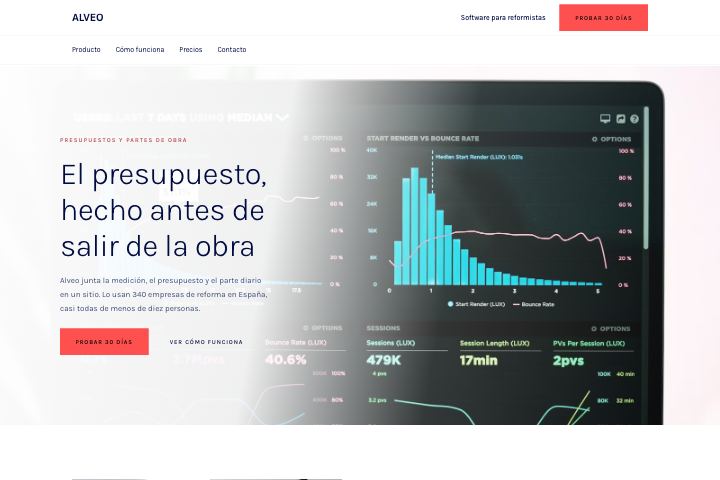
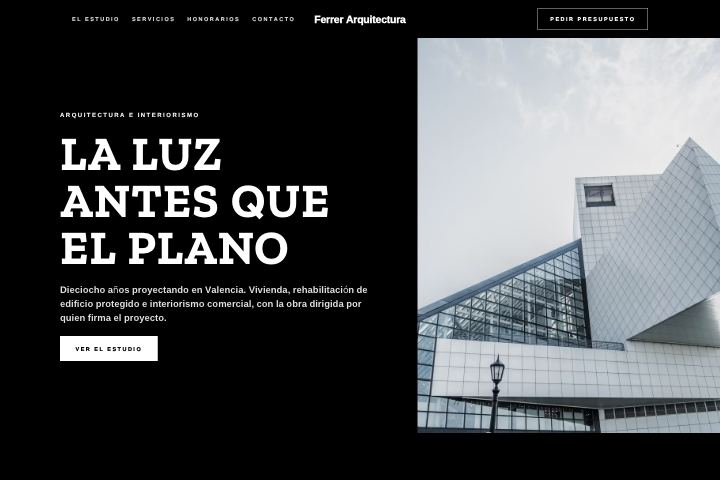
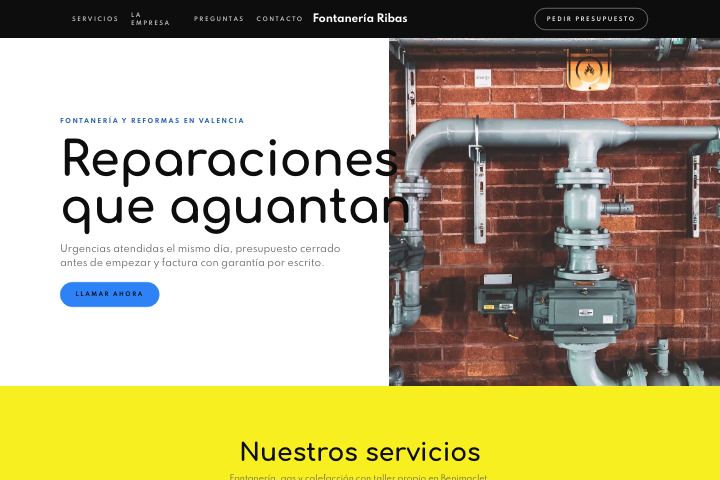
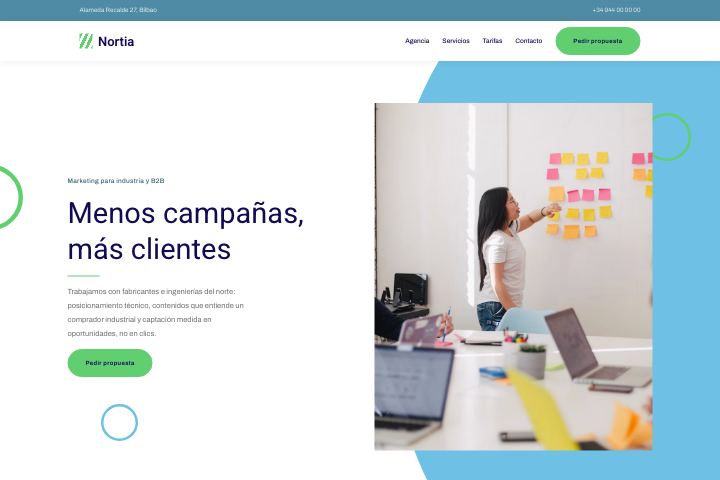
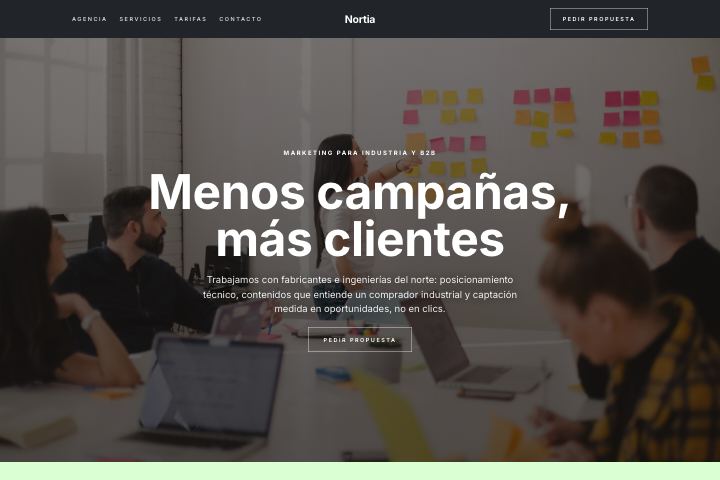
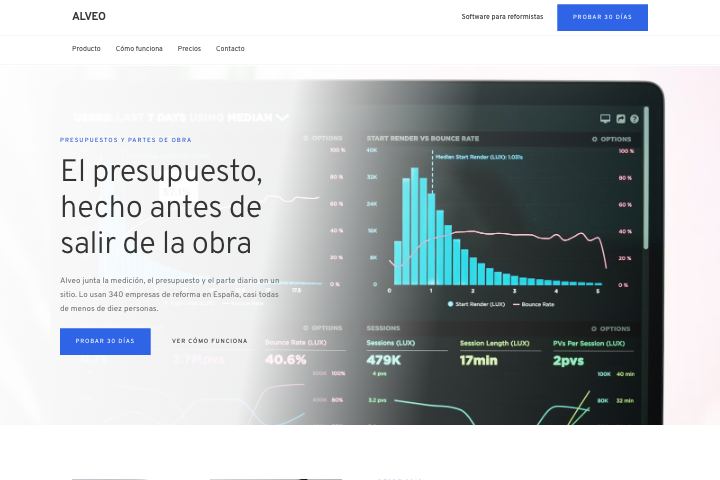
1,627 designs waiting for a client
Restaurants, garages, clinics, law firms, shops. The system picks the one that fits the business — you decide if you agree.
Start free. Pay as you grow.
Your first redesign is on us — no card needed. After that, buy credits in bundles when you need them. No subscriptions, ever.
- 1 free credit on signup
- Credits never expire
- No monthly fees
- Pay only per redesign
Frequently asked questions
A link to a finished, browsable website with their name, their photos and their real Google reviews. Not a screenshot or a PDF: they open it on their phone and it works. You can also send the proposal as a PDF, generated automatically with the same design and colours as the site.
No. Everything comes from what the business already publishes: their Google listing or their current site. Reviews are verbatim, with the reviewer's name. If a section lacks real data it isn't generated — a shorter site beats one that promises something false in front of the owner.
The site is still generated with whatever sections have material, filled out with stock photography for their sector. The less they publish, the shorter it comes out. A business with no listing and no site is the worst case: there's little to redesign.
Yes, by asking. Open the proposal and describe the change in plain language — “make the booking button green”, “drop the gallery” — and it's applied in seconds. Every change is saved as a version, so you can always go back.
With the prospect finder: pick a category and an area — or tap “near me” — and it returns Google listings with NO website, which are exactly who this helps. Save them to your funnel, then generate the proposal and send it over WhatsApp from there.
Yes, and it's the most useful part of the funnel. When they open the link you sent, the prospect moves to “Opened” on its own. Your own visits don't count, so when you see that notice they really have looked at it: that's when to call.
No. Pick the business and the system proposes a template from its sector out of more than 1,600, already designed and verified. Keep the suggestion, choose another from the sector gallery, or upload your own style guide as an .md file.
No monthly fee. You buy credits and they never expire: one credit is one generated site. Each pack also includes an allowance for prospect searches and AI edits, because those call services that charge per use. Amounts are on the plans page.
Generating a site spends a credit. Prospect searches and AI edits come from a separate allowance included with your purchase, and they share the same pot: search a lot and you'll edit less. You see how much is left on screen before you run out, not after.
They don't expire. Until you publish a proposal only you can see it: if you send the link before publishing, whoever opens it sees a notice instead of the site. Publishing is free and takes one click from the proposal itself.
Prices and what each pack includes are on plans and pricing
Your next client is
one link away.
Stop sending proposals nobody reads. Show them a live redesign of their own website — built in 60 seconds, ready to share.
No credit card required · 1 free redesign on signup · Cancel anytime